Different Types of Keyboards
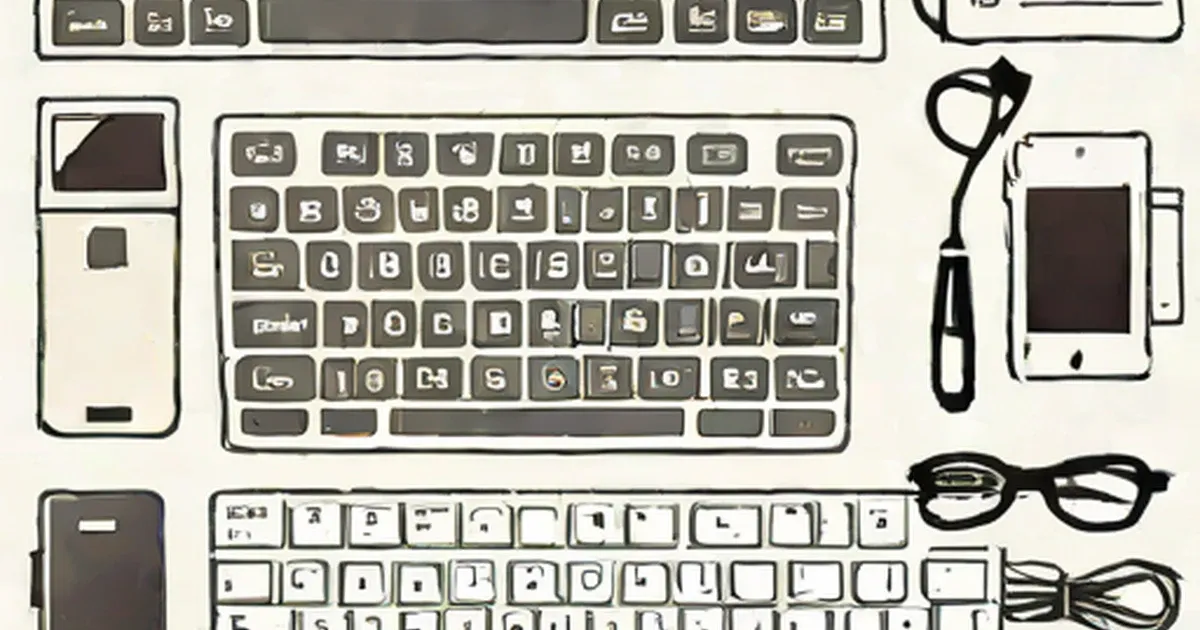
Keyboards are the input devices used for many devices like computers, phones, PDAs and laptops. Nowadays, there is a wide variety of keyboards are available. To know more about the different types of keyboards, read on…
The keyboard is an important peripheral that is used as an input device of a computer and many other devices. Keyboards are available for desktop computers, laptop computers, PDA and smart phones. Usually, there are around 110 keys on a computer keyboard. The keyboard is used to enter letters, numbers and other special function keys, which are used for some special functions. The different types of keyboards available, depending on the layout of the keyboard are, QWERTY and AZERTY. The QWERTY keyboards are most commonly used nowadays and have the six alphabets (Q,W,E,R,T,Y) in the first row of the keyboard. The AZERTY keyboards are used primarily, in the French countries. The types of keyboards vary according to their connection with the CPU, the application, the layout of the keys and some special function keyboards.
Different Types of Keyboards – Connection Type Wireless Keyboards The wireless keyboards use three basic types of connections, viz.
- Bluetooth Keyboards
- Infrared (IR) Keyboards
- Radio Frequency Keyboards The radio frequency keyboards get the required power from batteries or has a USB cable to charge the keyboard. The infrared keyboard are to be kept in the line of sight of the receiver. On the other hand, the radio frequency keyboards provides a greater range than the infrared keyboards. The bluetooth keyboards use a bluetooth technology
, which provides a greater range than the radio frequency keyboard and infrared keyboards. The radio frequency keyboards offer a greater mobility than the bluetooth and the infrared keyboards.
Wired Keyboards
The PS/2 and USB are the two wired connections that connect the keyboards to your desktop computers. The PS/2 keyboards are very commonly used and they are called so because they use the PS/2 connection. They are one of the cheapest keyboards that are available in the market. The USB keyboards use a USB (Universal Serial Bus) to connect to the CPU. The PS/2 and USB keyboards are usually plug and play. Other types of keyboards are a bit expensive and require expensive software applications to be installed.
Different Types of Keyboards – Layout Ergonomic Keyboards The ergonomic keyboards are designed considering the ergonomic aspect of the keyboards. It is specially designed as per the comfort of the hands and wrist of the keyboard user. The ergonomic keyboards are designed to prevent the carpal tunnel syndrome, which causes numbness and tingling sensation in hands and fingers after typing for a long duration. These keyboards also help the keyboard user maintain a comfortable position.
Compact Keyboard
The sizes of keyboard goes on increasing, especially, those of the ergonomic keyboards. The ergonomic keyboards are designed bigger to accommodate many keys that perform special functions. The compact keyboards are slim and usually do not have the numeric keypad that is present on the right side of the other keyboards. Some compact keyboards even include a rubber pad that can be used instead of the mice. These keyboards are not very small in size, but offer portability during travel and storage.
Different Types of Keyboards – Special Keyboards Internet Keyboards The internet keyboards are designed to increase the comfort level of the internet user. The internet keyboards have hot-keys for the home page of the web browser, inbox and the favorites menu on your computer.
Multimedia and Gaming Keyboards
The multimedia and gaming keyboards are designed for playing audio and has hot-keys for volume control, play, stop and mute operations. The gaming keyboards are designed for the convenience of the gamers and these types of keyboards provide the required controls on the keyboards like backlighting.
Virtual Keyboards The virtual keyboards
are not actually physical keyboards, but they are simulated using a software. Usually, the virtual keyboards are used in the PDA.
These are the different types of keyboards available according to the varying needs of the user. The keyboards must be chosen as per the space available, type of usage and wired and wireless needs of the computer user.